Charging 101
How to Use a Public EV Charger: A Step-by-Step Guide (Philippines)
By EVChargePH Team · October 27, 2026 · 6 min read
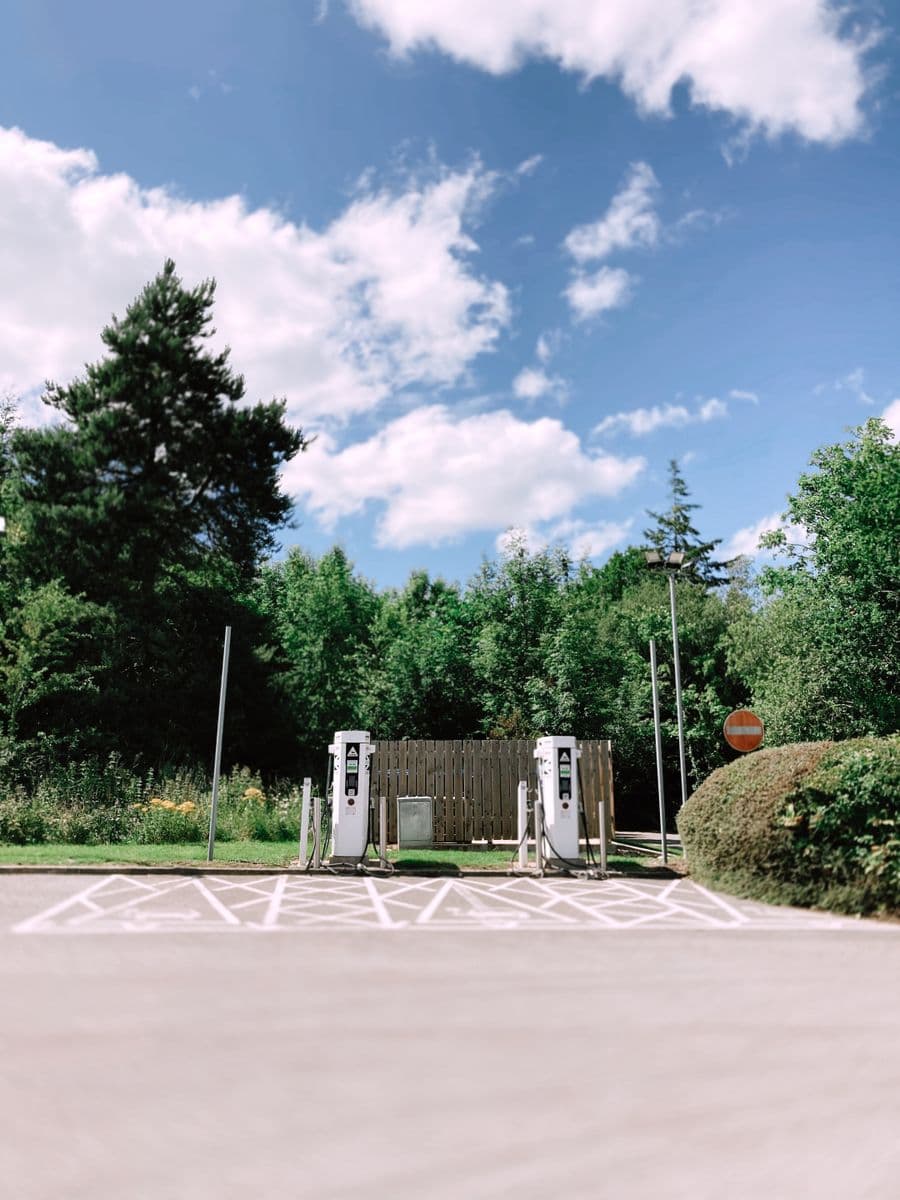
Using a public EV charger for the first time can feel intimidating, but the process is straightforward and quickly becomes second nature. The short version: find a charger your car can use, park and plug in, start the session through the app or card, let it charge, then stop and unplug. Here is each step in plain language.
Step 1: Find a charger you can actually use
Before you drive anywhere, check that the charger matches your car. On the map, filter by your connector type so you only see chargers with a plug your EV accepts. Note the speed and price, and reserve a slot if you can so the bay is free when you arrive. If the connector names are new to you, our EV glossary explains them.
Step 2: Park and position the car
Pull into the charging bay so your car's charging port can reach the cable comfortably. The port location varies by model, so position accordingly. Leave enough slack in the cable and avoid blocking neighboring bays.
Step 3: Plug in
Take the cable (tethered chargers have the cable attached; others need your own cable) and connect it firmly to your car's port. It should click into place. A snug, fully seated connection matters, so push until it seats properly.
Step 4: Start the session
This is where the app or card comes in. Start the session through the operator's app or by tapping a linked card, as instructed on the charger. The charger confirms when power is flowing, usually with a light or an on-screen message, and the car shows that it is charging.
Step 5: Let it charge
Now you wait, and this is a good time to do something useful nearby. How long depends on the charger speed, your battery size and how full it already is. DC fast chargers add a lot of range quickly; AC chargers are slower and better suited to longer stops. You can estimate the time with our charging time calculator. For daily use, many drivers top up to around 80% rather than waiting for a full 100%.
Step 6: Stop and unplug
When you are done, stop the session in the app (or as the charger instructs), then unplug the cable from the car and return it neatly to the charger. Returning the cable tidily is simple courtesy for the next driver. Move your car promptly so others can use the bay.
A few first-timer tips
- AC vs DC. AC charging is slower and common at destinations; DC fast charging is quicker and suited to trips. Match the charger to how long you will stay.
- Do not always wait for 100%. The last stretch to full is slowest, so topping up to 80% is often the smart move, especially on a fast charger.
- Mind the etiquette. Once charged, move your car so you are not blocking a bay others need.
Frequently asked questions
Do I need my own cable?
It depends on the charger. Tethered chargers have the cable attached. Others, especially slower AC units, may require you to use your own cable, so it is worth carrying one.
How long will charging take?
It varies with the charger speed, your battery size and your starting level. Fast DC chargers add significant range in a short stop; AC chargers suit longer stays. Use the charging time calculator for an estimate.
Why should I stop at 80%?
Charging slows as the battery fills, so the final stretch to 100% takes disproportionately long. For everyday charging, stopping around 80% saves time and is gentle on the battery.
What if the charger will not start?
Check that the cable is fully seated, confirm you started the session correctly in the app, and make sure the charger is online. If it still will not work, use a backup charger nearby and report the fault.
Be our partner
Power the Philippines' electric future with us
Earn from an idle charger, or put your brand in front of EV drivers while they charge. Join the EVChargePH network today.