Charging 101
EV Charging Apps in the Philippines: How to Find and Pay
By EVChargePH Team · October 27, 2026 · 6 min read
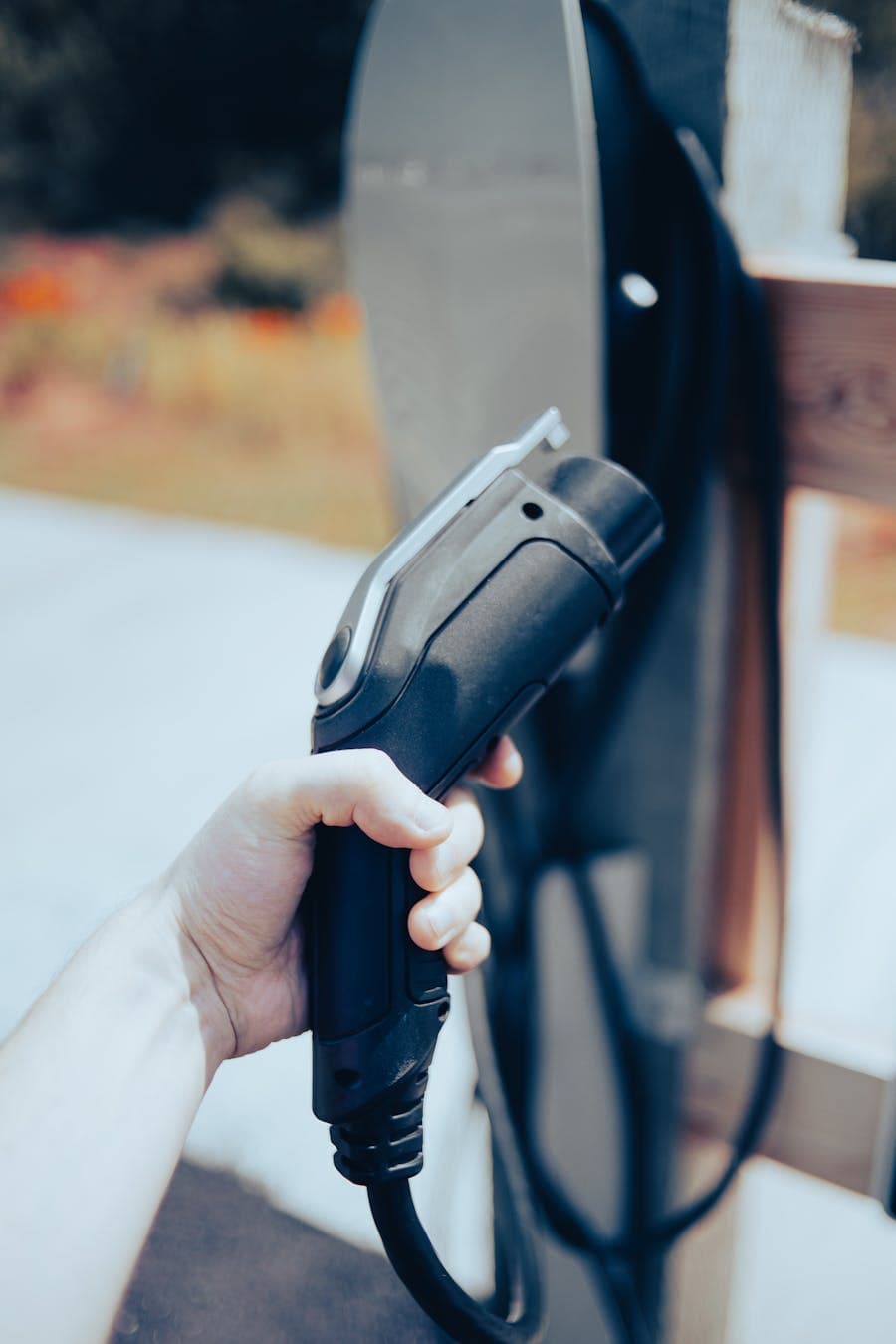
Charging an EV in public in the Philippines almost always runs through an app. Each charging network tends to have its own app for starting and paying for a session, while a cross-network tool like EVChargePH lets you find, compare and reserve chargers from many sources on a single map. Knowing how these fit together saves you time and avoids arriving at a charger you cannot use.
Why do I need an app to charge?
Public chargers are rarely coin-operated. To start a session and pay, you normally need to identify yourself through an app or a card linked to an account. The app also shows whether a charger is free, how fast it is, and what it costs, so you are not driving around hoping for the best.
What is the difference between a network app and a finder?
There are two kinds of tool, and you will likely use both.
- Network apps. Each charging operator may have its own app to unlock and pay for its chargers. If you only ever use one network, its app may be all you need.
- A cross-network finder. Because chargers come from many operators, a finder like EVChargePH shows chargers across sources in one place, with details like connector type, speed and availability, and lets you reserve a slot before you drive. Open the map to see what is near you.
The finder solves the biggest real-world problem: you should not need five apps just to know where you can charge.
How do I find a charger near me?
Open the map, see the chargers around you or along your route, and check the details before you go.
- Filter by connector so you only see plugs your car can use. New to the terms? Our EV glossary explains them.
- Check the speed and the price shown.
- Reserve a slot where you can, so the bay is free when you arrive instead of occupied.
You can also browse chargers by city on the charging locations pages when planning ahead.
How do I pay?
Payment is handled in-app per session, so you are not fumbling for cash at the charger. The exact flow depends on the operator, but the pattern is the same: start the session, charge, and the app bills you for the energy or time used. Keep an eye on the per-kWh rate shown; public DC fast charging often runs around ₱35 per kWh, while home charging is far cheaper at roughly ₱11 to ₱13 per kWh.
Tips for a smooth charge
- Plan before long trips. Check chargers along your route in advance rather than relying on finding one when the battery is low.
- Have a backup. Note a second charger nearby in case your first choice is busy or offline.
- Reserve when you can to avoid arriving at an occupied bay.
Frequently asked questions
Do I need to download many apps?
You may need a network's own app to actually start its chargers, but a cross-network finder like EVChargePH lets you see and reserve chargers from many operators in one place, so you are not hunting across apps just to find one.
Can I just show up and pay cash?
Usually no. Public chargers are typically started and paid for through an app or an account, not with coins, so set this up before you rely on public charging.
How do I know a charger will work when I arrive?
Check its status in the app before you go, reserve a slot where possible, and keep a backup charger in mind. Availability can change, so a little planning avoids a wasted trip.
Is charging cheaper at home than in public?
Yes, usually by a wide margin. Home charging costs roughly ₱11 to ₱13 per kWh, while public fast charging is often around ₱35 per kWh, so most owners charge mainly at home and use public chargers for trips.
Be our partner
Power the Philippines' electric future with us
Earn from an idle charger, or put your brand in front of EV drivers while they charge. Join the EVChargePH network today.